Spec
Spec consultation
We start with the software you run and the work it has to do, then specify the machine around it.
IT Services › Custom workstations
Each desktop is specified around your software, workload and budget.
Who it is for
Custom workstations South Africa, specified one order at a time: each desktop starts from the applications your people open every day, the size of the files they handle and the budget you have set, and the specification is written down before any part is chosen.
That suits architects and engineers who need a CAD workstation for drawings and BIM models, editors who want a video editing workstation that keeps up with long timelines, analysts working with local data and AI tools, and offices that want a quiet custom business PC on every desk. Several identical machines follow the same written brief.
Capabilities
We start with the software you run and the work it has to do, then specify the machine around it.
Processor, memory, storage and graphics are chosen for your workload instead of picked from a fixed list.
Each machine is built to your specification and tested before handover.
Windows 11 Pro or Linux installed, updated and configured with the applications your team uses.
We deliver the machines and set them up at the desk, so people can start working.
Help for your desktops after installation, with support terms agreed in your quote.
Use cases
Four starting points cover most requests; pick the closest and we refine the details with you.
Quiet everyday desktops for business software, email and the web.
More graphics power and memory for CAD, BIM and design suites.
High core counts for editing, rendering and 3D work.
Large-memory graphics for local AI models and data science.
Choose a use case, processor, memory, storage, graphics and operating system. Your choices are sent with the quote request, so we start from them.
Your workstation
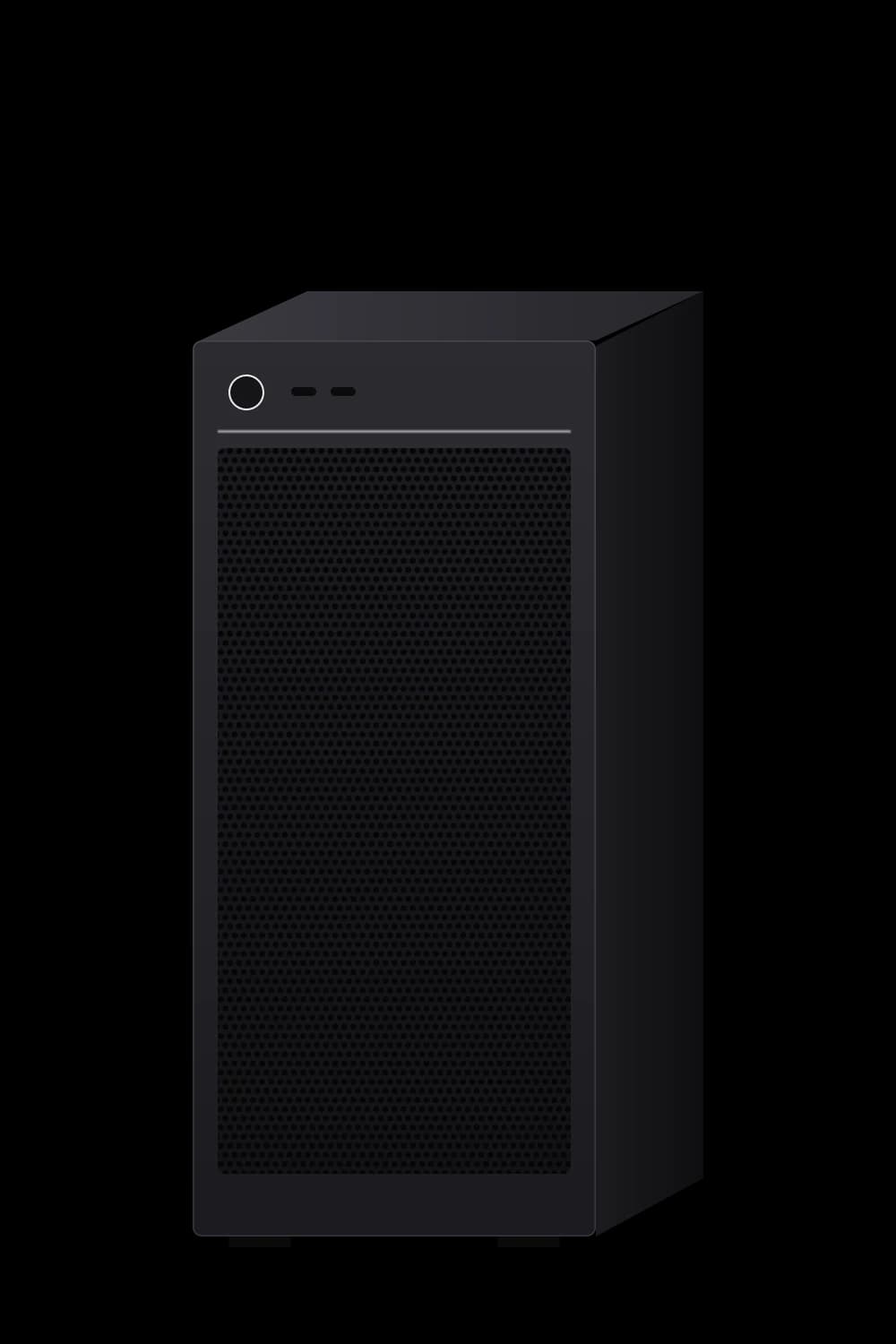
Mid-tower workstation
1. Use case
2. Processor
3. Memory
4. Storage (NVMe SSD)
5. Graphics
6. Operating system
Design & CAD · Balanced · 32 GB · 1 TB · Mid-range · Windows 11 Pro
Request a quoteProcess
Configuring a build and requesting a quote gives us your brief. From there a workstation order runs through five steps: brief, spec and quote, build and test, delivery and set-up at the desk, and support.
You tell us the software, the workload, how many desks and the budget.
We write up the desktop specification and a quote, explaining why each processor, memory and graphics choice suits your applications.
Each workstation is built to the agreed specification and checked before it leaves for your office.
We deliver the machines, set them up at each desk and install Windows 11 Pro or Linux with your team's applications.
Once people are working, we stay on hand for workstation support on the terms set out in your quote.
FAQ
Yes. Tell us the budget and the work it needs to do and we specify around it.
Yes. Design, CAD, video and 3D work lean on graphics, memory and core count, and we specify those around the applications you run.
Yes. Tell us how many you need and we quote them as one project, built to the same specification.
Windows 11 Pro or Linux, or no operating system if your team images its own machines.
Warranty and support terms for each workstation are written into your quote, so you can review them before you commit.
Keep exploring
Planning a wider refresh? We also specify the servers behind your desktops.